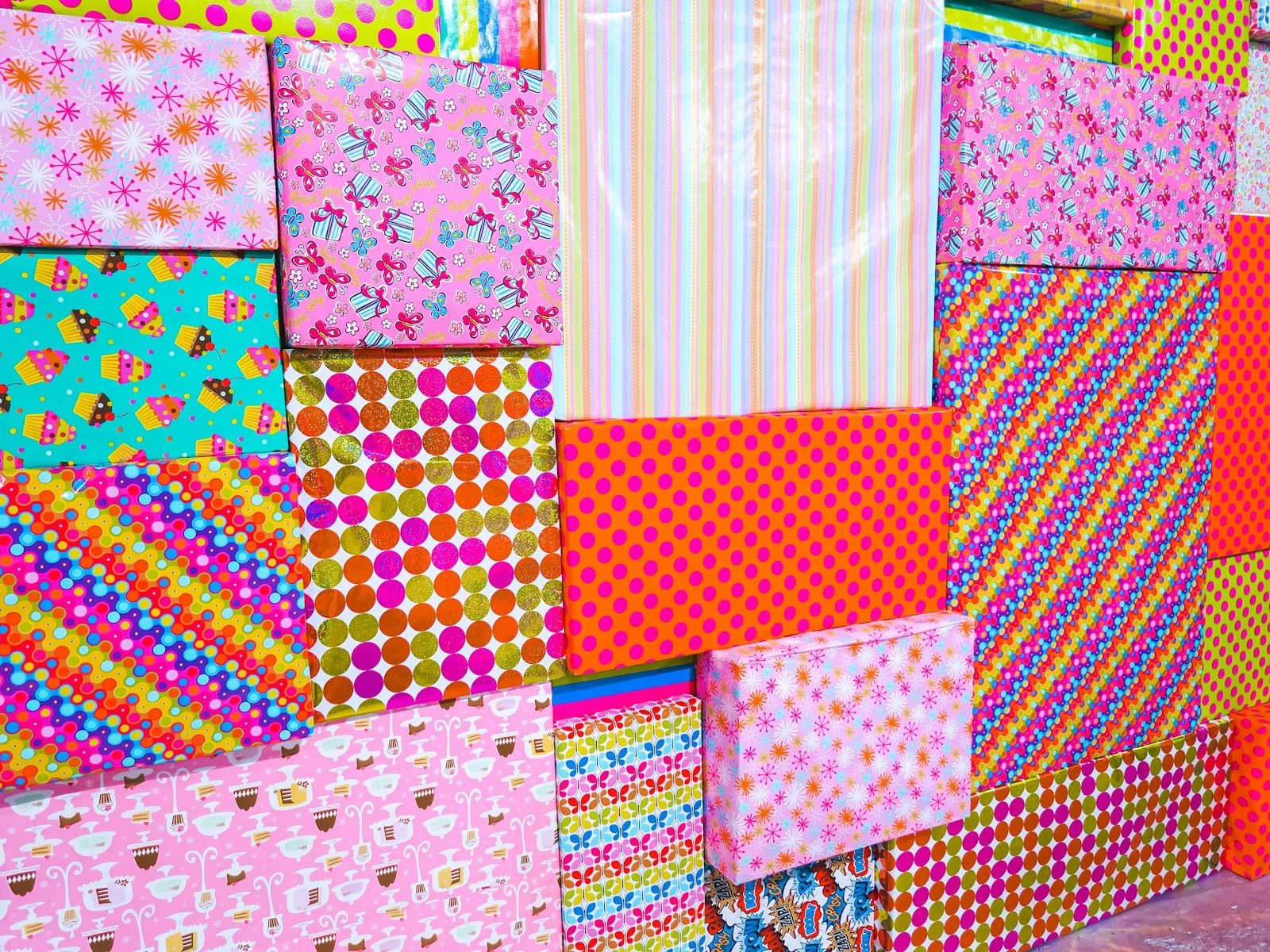
You bought the fat 12×12 paper pad because the cover sheet was gorgeous, got home, used three pages, and the other forty are still shrink-wrapped in a drawer. Then the one pattern you actually loved ran out halfway through a layout, and of course it is sold out online now. Buying paper by the pad is how you end up with a stack of patterns you will never touch and none of the one you do.
Free printable scrapbook paper is patterned or solid background paper you download as a file and print at home, usually as a PDF or a high-resolution image, so you can print a pattern you love as many times as a project needs. It will not fully replace a heavy cardstock pad, but for backgrounds, junk journal pages, and layering, it is the cheapest and most flexible way to get the exact paper you want.
What nobody tells you is that the file is the easy part. Get the source and the printing right, and your home printer turns into an endless paper pad.
The short version: Free printable scrapbook paper is downloadable patterned paper you print yourself. Grab it free from Creative Fabrica’s library, vintage resources like The Graphics Fairy, and public-domain collections. Print on text-weight or light cardstock in matte, set your printer’s paper type to match, and print at “best” quality. Home printers max out at 8.5×11, so for true 12×12 you either tile two sheets or trim to fit. Test one sheet before you print a stack.
The file comes one of two ways, and it changes how you handle it. Some are ready-to-print PDFs sized for a sheet, so you open and print. Others are high-resolution images you drop into a document and size yourself first. Either way you print at home and cut the paper to whatever your page needs.
Two kinds are worth telling apart. Patterned and solid paper is the everyday kind: florals, grids, ledger lines, soft textures you build a layout on. Vintage and ephemera paper is the aged kind: old book pages, dictionary scans, music sheets, postage and ledger prints that junk journalers layer for that found-paper look. The first you print to decorate a clean page; the second you print to fake the patina of something old.
The catch with printable paper is the obvious one. It is only as good as your printer and the sheet you feed it, which is why the rest of this guide is mostly about getting the print itself right.
Where to get free printable scrapbook paper
Three honest routes, and the best one depends on whether you want clean modern patterns or aged vintage paper.
Free download libraries. The fastest path. Creative Fabrica has a deep library of scrapbook and digital paper designs you can download free, from modern patterns to themed sets, which lets you test a style before you ever pay for a bundle. Our own free junk journal printables roundup gathers sheets to start with today, including papers you can print and layer right away.
Vintage and public-domain sources. For aged paper, the free well is surprisingly deep. The Graphics Fairy is a well-known resource for free vintage images and printable backgrounds, and public-domain archives hold scanned old book pages, ledgers, and ephemera you can print without worrying about rights. This is the route for junk journals and memory pages, and our junk journal ephemera guide covers building that layered look from free and found paper.
Scan your own. The most personal route. A page from a thrift-store hardback, a sheet of your grandmother’s handwriting, an old envelope, scan it at 300 DPI and you have a background that is genuinely one of a kind and free. It is the slow, satisfying option for people who want pages nobody else could make.
How to print scrapbook paper so it actually looks right
Most “my printed paper looks cheap” problems come down to the sheet you print on and two settings. Fix these and the results stop looking like a printout and start looking like paper.
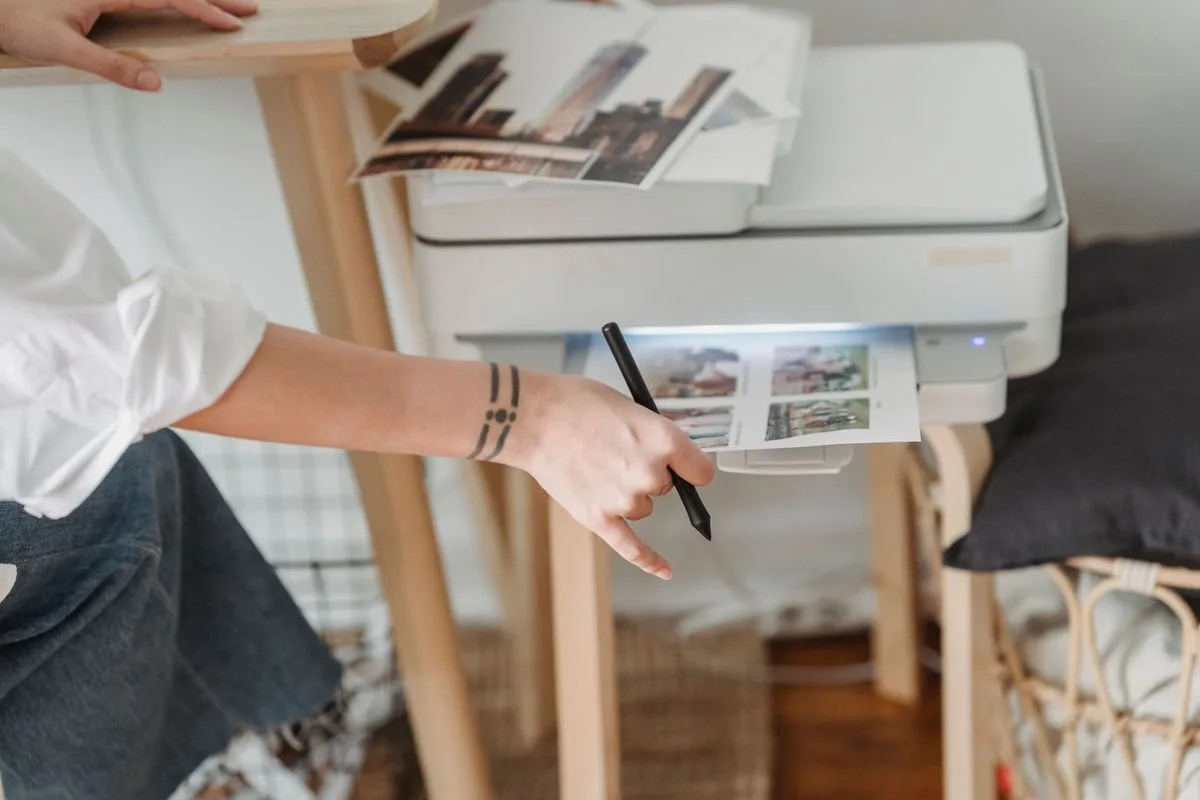
Choose the right weight. Standard printer paper (text weight) is fine for layering pieces you glue down flat, and it bends easily into a junk journal. For a sturdy background that holds its shape, print on light cardstock, around the weight of a cereal box or a little less, which most home printers handle. Heavy cardstock can jam, so check your printer’s limit before you buy a ream.
Go matte, not glossy. Matte paper takes ink cleanly, does not glare under a lamp, and lets you write, stamp, and glue on top. Glossy fights your pen and your adhesive. For scrapbook backgrounds, matte every time.
Tell the printer what it is printing on. In the print dialog, set the media or paper type to your actual sheet and the quality to its highest setting. Skip that and a pattern comes out dull and washed out no matter how good the file looked on screen.
Give wet ink a minute. Inkjet pages come out damp. Handle, cut, or stack one too soon and you smear a pattern you cannot reprint exactly the same way again.
If you are printing stickers on the same setup, the sheet choice is different again, and our roundup of the best printable sticker paper covers which paper matches which printer.
The size problem: 12×12 on a letter-size printer
Traditional scrapbook paper is 12×12 inches. Home printers top out at 8.5×11. That gap trips up everyone once, so here are the ways around it.
Work at 8.5×11 and embrace it. Most layouts, and nearly all junk journals, do not need a full 12×12 background. Print to the letter size you have and build at that scale. Simplest by far.
Tile two sheets. For a true 12×12 look, print the pattern across two sheets and butt them together, hiding the seam under a photo or a strip of washi. Some printable sets come pre-tiled for exactly this.
Trim to a panel. Print the pattern and cut it down to a smaller mat or panel that sits on top of a plain 12×12 cardstock base. You get the pattern where it counts without fighting your printer.
Decide which one fits your project before you print, because it changes how you size the file.
A quick word on keeping it
If a layout holds real photos you want to last, the paper spec matters. Printer paper and ink are not archival by default, so a printout sitting against a one-of-a-kind photo can yellow or transfer over the years. For keepsake pages, print your background on acid-free, lignin-free cardstock (most craft-store cardstock says so on the wrapper), and keep the printout as a layer rather than letting it touch the photo directly. For a fun page you are not precious about, any paper does the job.
Print one sheet and build a page
You do not need a drawer of paper pads to make a layout work. Download one pattern you love, print a single sheet on matte cardstock, and build a page on it, a photo, a title, a strip of pattern down one edge. That one sheet shows you more about the patterns you reach for than a whole shrink-wrapped pad ever will.
When you want to decorate it, the scrapbook stickers guide covers the letter, themed, and vintage packs that go on top, and the journal stickers hub ties the whole workflow together. Print free, test cheap, and reprint the one pattern you keep reaching for as many times as you like. That gorgeous pad you never finished is no longer the only way to get the paper you want.
Frequently asked questions about printable scrapbook paper
Where can I get free printable scrapbook paper?
Free download libraries like Creative Fabrica carry modern patterned and digital paper, vintage resources like The Graphics Fairy offer aged backgrounds and old-paper scans, and public-domain archives hold book pages and ephemera you can print freely. You can also scan your own old paper for a one-of-a-kind background. Start with a free sheet to test your printer before buying anything.
What kind of paper should I print scrapbook paper on?
For layering pieces you glue flat, standard text-weight paper works and folds easily into a junk journal. For a sturdy background, use light cardstock that your printer can handle, in a matte finish so it takes ink and adhesive well. Avoid glossy, which fights pens and glue, and check your printer’s weight limit before buying heavy cardstock.
Can I print 12×12 scrapbook paper at home?
Not on a standard home printer, which tops out at 8.5×11. To get a 12×12 look, either tile the pattern across two sheets and hide the seam, or print at letter size and trim it onto a plain 12×12 cardstock base. Many layouts and most junk journals work fine at 8.5×11 anyway.
Is printable scrapbook paper archival or acid-free?
Not by default. Regular printer paper and ink are not archival, so for pages with photos you want to keep, print on acid-free, lignin-free cardstock and keep the printout as a layer rather than against the photo. For fun, everyday pages it does not matter.
What is the difference between printable and digital scrapbook paper?
Printable scrapbook paper is meant to be printed at home and used on physical pages. Digital scrapbook paper is the same kind of design used on a screen, as a background in a digital scrapbooking or note-taking app, with no printing. Many sellers offer the same patterns for both uses, so check which file you are downloading.
Want a free pack of printable paper to start? Our free junk journal kit includes patterned and vintage-style background sheets you can print at home and layer straight into a page. Sign up below and we will send it over.
Get free junk journal printables
New printables, page ideas, and paper craft tutorials, straight to your inbox.
You set up a clean weekly spread, ruled the boxes, wrote your headers, and then stalled. It is correct and it is boring, and you know one strip of washi along the top and a couple of small stickers would fix it, but you do not want to wreck twenty minutes of work with the…
Paper stickers are perfect right up until the moment one gets touched, splashed, or stuck to anything that moves. Then the edges fuzz, the ink lifts, and the cute label you printed for a water bottle looks like it went through the wash. That is the exact gap printable vinyl fills, and it is also…
Free printable planner stickers: where to download them, how to print on matte sticker paper, and which functional sheets to print first.
Manage Consent
To provide the best experiences, we use technologies like cookies to store and/or access device information. Consenting to these technologies will allow us to process data such as browsing behavior or unique IDs on this site. Not consenting or withdrawing consent, may adversely affect certain features and functions.
Functional
Always active
The technical storage or access is strictly necessary for the legitimate purpose of enabling the use of a specific service explicitly requested by the subscriber or user, or for the sole purpose of carrying out the transmission of a communication over an electronic communications network.
Preferences
The technical storage or access is necessary for the legitimate purpose of storing preferences that are not requested by the subscriber or user.
Statistics
The technical storage or access that is used exclusively for statistical purposes.The technical storage or access that is used exclusively for anonymous statistical purposes. Without a subpoena, voluntary compliance on the part of your Internet Service Provider, or additional records from a third party, information stored or retrieved for this purpose alone cannot usually be used to identify you.
Marketing
The technical storage or access is required to create user profiles to send advertising, or to track the user on a website or across several websites for similar marketing purposes.