This post contains affiliate links. We may earn a commission when you download a freebie or buy a subscription on Creative Fabrica, at no extra cost to you.
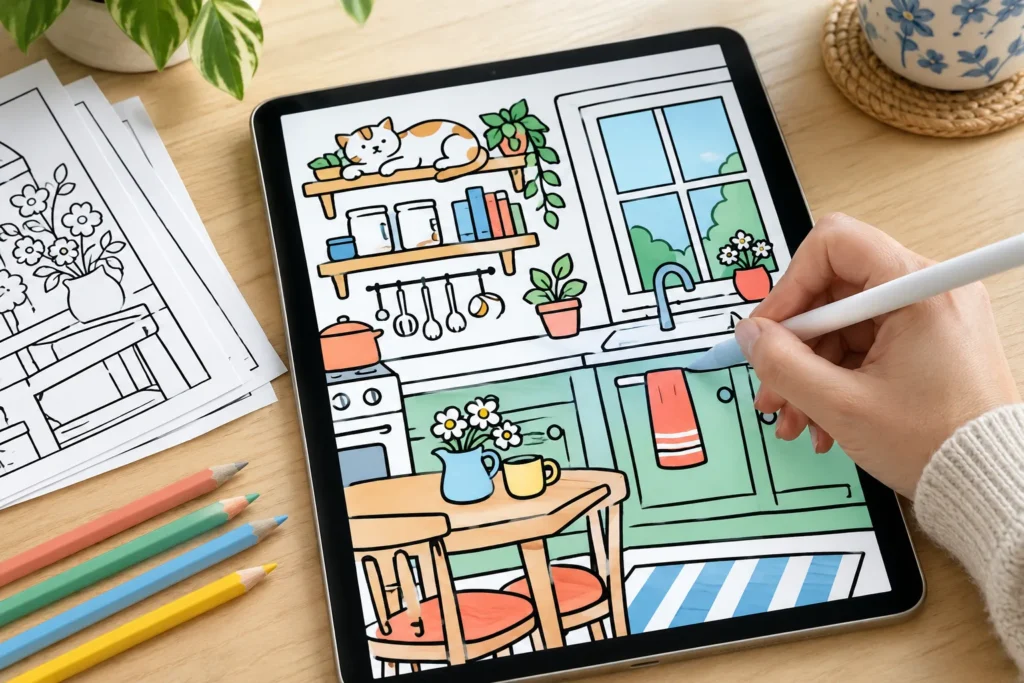
The tea is steeping, your phone is face down on purpose, and the plan for tonight is one page: a little kitchen with a cat asleep on the top shelf. Big shapes, thick lines, nothing to squint at. Nobody is grading it.
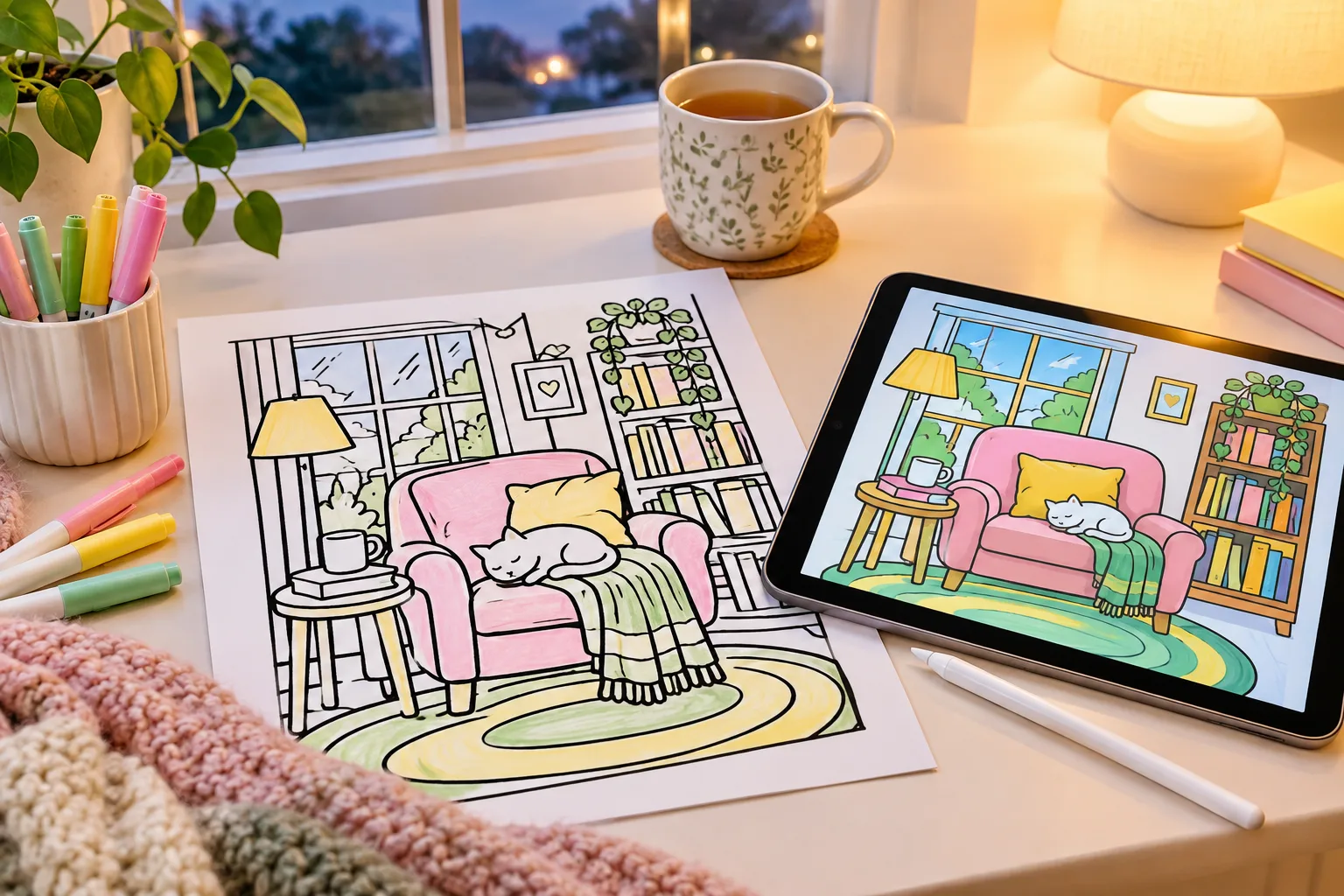
That is the whole appeal of cozy coloring pages. They draw comfortable, ordinary life (reading corners, kitchens, cafés, animals in sweaters), and most of them use bold, easy outlines, so a page is an evening and not a project. The 17 sets here come from Creative Fabrica, grouped by what is on the page, five free ones first, about 840 pages between them. Further down: which file in the download to open, and how to color a page on an iPad.
The short version: Start with the free Cozy Hygge set, a hundred pages of cozy rooms. Most sets here are bold and easy; Cozy Book Nooks and Cozy Home Life are the detailed ones. Many use a square 8.5 x 8.5 inch page rather than US Letter, so check the listing before you print.
Five freebies, still free when we put this list together in late September 2026. Their product pages lead with a large trial button for All Access; the free download is the smaller freebie link just below it.
Which file to open
A coloring download often holds four or five kinds of file, and you need one or two of them:
File
What it is
Use it for
PDF
the whole book, one page after another
printing a stack at once
PNG or JPG
one page per file
printing a single page, or coloring on a tablet
SVG, EPS, AI
editable vector versions
changing the drawing itself; skip them for coloring
Book covers
cover art for people who publish their own coloring books
nothing, unless you are making one
For paper, markers and the print settings that keep the outer lines on the page, our Christmas coloring pages post has a whole section on printing at home. It applies just as well in July.
Cozy rooms and reading nooks
A chair, a lamp, a pile of books, a window with weather on the other side. The first set is a short 18-page one for trying the style; the last two are the detailed books in this post, the kind you save for a slow Sunday and colored pencils.
Kitchens, cafés and comfort food
Food pages are the fastest way to feel like you finished something. A donut is three shapes and a sprinkle problem.
Slow days and comfy clothes
Pajama pants, a robe with a bow on the belt, slippers you would never wear outside. These two sets draw the day more than the room.
Frogs, gardens and one fall book
Here cozy moves outdoors: a pond instead of a couch, a garden bed instead of a bookshelf. The fall book is the most seasonal set in this post, and September through November is its moment.
Finished pages do not have to live in a drawer. Cut out a colored teacup or a frog and it becomes a sticker-sized piece for a journal spread; our junk journal ephemera guide has ideas for what to layer it with.
How to color a cozy page on the iPad
Bold outlines make these pages unusually good for digital coloring, because the fill tool in Procreate stops at a line, and thick lines leave it fewer gaps to leak through. Here is the route, checked against the Procreate Handbook.
Pick one page as a PNG. Open the zip in the Files app so it unpacks, then choose the PNG of the page you want. Why not the PDF: Procreate puts every page of a multi-page PDF on its own layer, so a 50-page book arrives as one canvas with 50 layers and a page timeline at the bottom.
Import it. In the Procreate gallery, tap Import in the top right, find the file and tap it. An image opens as its own canvas.
Make the page a Reference layer. Open the Layers panel, tap the page layer, tap it again for Layer Options, and tap Reference. Any color you drop on another layer will now stop at the lines of this one.
Put a color layer under the page. Add a new layer and drag it below the page layer. A PNG page has a white background that would hide it, so tap the letter N on the page layer and switch its blend mode to Multiply. Multiply darkens by the page, so the black lines stay black and the white areas show your color underneath.
Fill with ColorDrop. With the color layer selected, drag the color circle from the top right corner into a shape and let go. The color spreads until it reaches an outline. To fill more shapes in the same color, tap Continue Filling in the top bar and tap them one by one.
If the color floods the whole page, tap the canvas with two fingers to undo it, then look at the outline. A real gap in the line lets color through no matter what, so select the page layer, close the gap with a small black brush and fill again. If the line is whole and the color still creeps past it, drag the color in but keep holding: a blue bar appears, and sliding left lowers the ColorDrop threshold.
Flat color is only the first pass. For pencil texture or soft shading on top, add another layer and pick a brush; our Procreate brushes roundup has pencil and marker sets, and it explains how to install them.
If you want to sell what you color
Coloring for yourself raises no license questions. Selling prints of a page you colored does, because the drawing is still the seller’s. Creative Fabrica’s freebies come under its Single Sales License, All Access downloads under the subscription license, and some sellers add limits of their own: Fluffy Times, for one, allows selling only through Amazon KDP. Read the listing before a print goes up for sale.
Frequently asked questions about cozy coloring pages
What are cozy coloring pages?
Coloring pages of comfortable, everyday scenes: reading corners, kitchens, cafés, gardens and animals in sweaters.
Is cozy the same as bold and easy?
No. Cozy describes what is drawn, and bold and easy describes how it is drawn. Plenty of sets are both, but the Cozy Book Nooks set is cozy and detailed.
Should I open the PDF or the PNG files?
The PDF, to print the whole book at once. A PNG, to print one page or to color it on a tablet.
Why does ColorDrop fill the whole page in Procreate?
Usually there is a gap in the outline, and the color escapes through it. Undo with a two-finger tap, close the gap with a brush on the page layer, and try again; if the line is whole, lower the ColorDrop threshold.
Can I change a color after I fill it?
Yes, and that is the point of the Reference setup. The color lives on its own layer, so you can drop a new color onto the same shape, or clear the layer and start over, without touching the lines.
The cat on the top shelf
Pick one page from the free sets tonight, not the whole book. Color the kitchen first and save the cat on the top shelf for last. It has been asleep up there all evening; it can wait five more minutes.
Get free junk journal printables
New printables, page ideas, and paper craft tutorials, straight to your inbox.
18 Procreate brushes and stamps for stickers, journal pages and digital paper, five of them free, plus how to import them and why a brush won’t install.
16 Christmas machine embroidery designs, four free, for ornaments, names and sweatshirts, plus which file format your machine needs and which stabilizer to use.
Manage Consent
To provide the best experiences, we use technologies like cookies to store and/or access device information. Consenting to these technologies will allow us to process data such as browsing behavior or unique IDs on this site. Not consenting or withdrawing consent, may adversely affect certain features and functions.
Functional
Always active
The technical storage or access is strictly necessary for the legitimate purpose of enabling the use of a specific service explicitly requested by the subscriber or user, or for the sole purpose of carrying out the transmission of a communication over an electronic communications network.
Preferences
The technical storage or access is necessary for the legitimate purpose of storing preferences that are not requested by the subscriber or user.
Statistics
The technical storage or access that is used exclusively for statistical purposes.The technical storage or access that is used exclusively for anonymous statistical purposes. Without a subpoena, voluntary compliance on the part of your Internet Service Provider, or additional records from a third party, information stored or retrieved for this purpose alone cannot usually be used to identify you.
Marketing
The technical storage or access is required to create user profiles to send advertising, or to track the user on a website or across several websites for similar marketing purposes.