This post contains affiliate links. We may earn a commission when you download a freebie or buy a subscription on Creative Fabrica, at no extra cost to you.
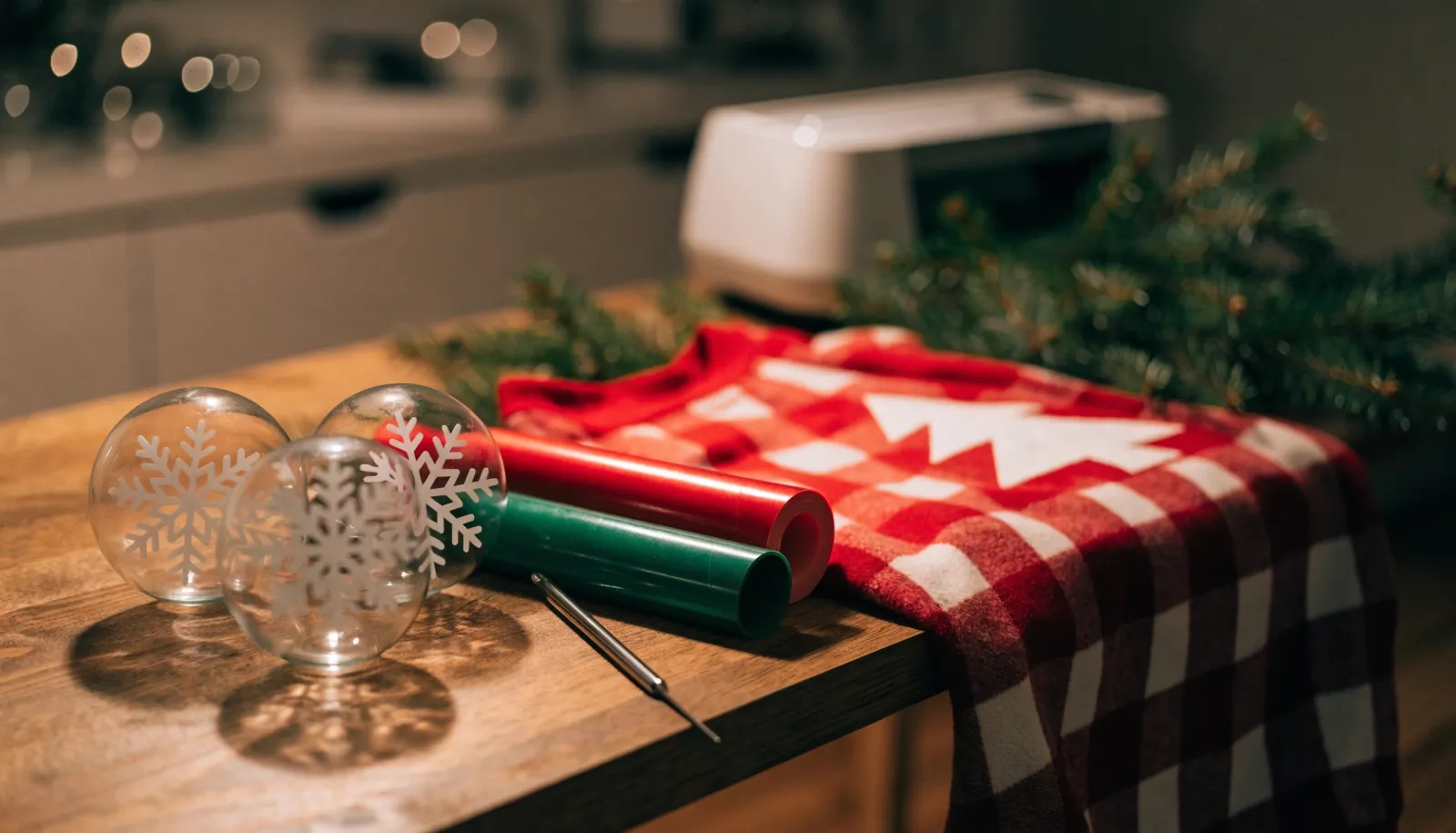
The snowflake looked crisp on the mat. Then you pressed it onto a clear glass ornament and it did what flat things do on round things: it wrinkled. Six little pleats around the edge, one arm lifting off the glass, and the whole ornament now looks like it was wrapped in a hurry.
Usually the file is fine; the project is wrong for it. A big solid design that is perfect on a sweatshirt puckers on an ornament; a delicate engraved-style drawing that looks lovely on a wood sign turns into a weeding marathon on iron-on. So the files below are sorted by what you are making, with the free ones up top. If you stitch rather than cut, our Christmas embroidery designs roundup covers ornaments and sweatshirts as machine files.
The short version: For shirts, pick bold designs and mirror them before cutting iron-on. For glass ornaments, cut small, open designs like snowflakes from permanent adhesive vinyl. Save the detailed vintage bundles for big signs. Cricut Design Space opens SVG; if you use Silhouette Studio’s free edition, look for the DXF in the zip.
The flat test for ornaments. Before you cut for a ball ornament, look at the design and ask whether it could bend around an orange without folding. A snowflake can, because all those gaps give it somewhere to go. A solid disc of vinyl cannot. If you love a solid design, put it on a flat ornament or a mug instead.
Free Christmas SVG files
All five were listed as freebies on Creative Fabrica when we checked. On the product page, the big button starts the All Access trial; the plain freebie is under the smaller “Download this product as a freebie” link.
SVG files for Christmas shirts and sweatshirts
Iron-on (heat transfer vinyl) goes on the mat shiny side down, and the design has to be cut backwards so it reads the right way once you flip it onto the shirt. Design Space asks you to toggle Mirror on the mat preview screen. It is an easy one to forget, and the only fix is cutting it again.
The free 16-design quote bundle above belongs on this list too.
SVG files for Christmas ornaments
For a glass or plastic ball ornament, use permanent adhesive vinyl rather than iron-on, cut the design small and press it on from the center outward, smoothing each arm down in turn. Flat ornaments (wood slices, acrylic discs) take anything, which is why personalized designs with names and dates live there.
SVG files for signs, cards and paper crafts
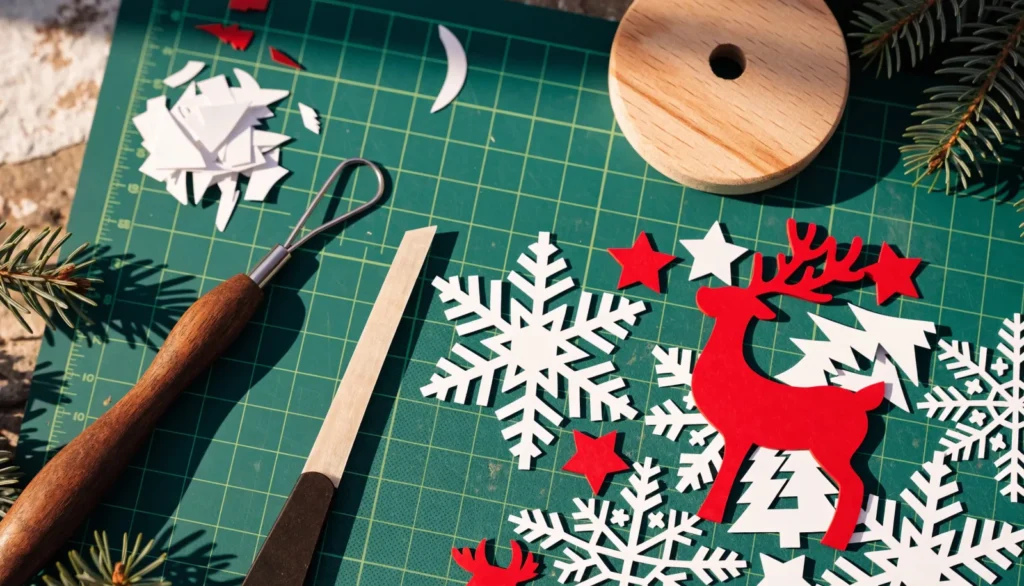
The engraved-look vintage bundles are beautifully detailed, and in vinyl every one of those little lines is an island to weed. They suit a big porch sign, a print-then-cut project or a laser more than a two-inch decal. In cardstock, stick to the solid silhouettes.
If the sign needs lettering you typed yourself, our Christmas fonts guide covers which fonts cut cleanly and how to weld them, and there are more cutting-friendly lettering picks in our Cricut fonts guide.
SVG, DXF, PNG: which file in the zip to use
Most listings ship the same design in several formats:
SVG is the cut file for Cricut Design Space and Silhouette Studio’s paid Designer Edition. Upload it and the pieces arrive as separate layers.
DXF is the one to use in the free edition of Silhouette Studio, which does not open SVG files.
PNG is a flat picture. Use it for print-then-cut stickers and tags, or for sublimation (our Christmas sublimation roundup is built around PNGs). It will not cut in layers.
EPS and AI are for editing in Illustrator or similar programs.
When a design comes in color and in black and white, the black-and-white version is usually the easier single-layer cut.
Can you sell what you make with these files?
Often yes, with conditions. Creative Fabrica’s help center says freebies come with its Single Sales License, which includes commercial use. Files downloaded through the All Access subscription can be used commercially under its subscription license. If you cancel, you can keep selling what you already made, but you cannot start new products for sale with those files. Creative Fabrica says files in its Crafts category keep a lifetime commercial license even after you cancel. Selling through print on demand sites has its own Basic and Full POD rules, and some sellers write their own terms into the listing: the ornament file above, for example, says personal and small business use, no sharing the files. Check the license on the product page before you make twenty sweatshirts for a craft fair.
Frequently asked questions about Christmas SVG files
How do I upload a Christmas SVG to Cricut Design Space?
On a computer, unzip the download, click Upload in Design Space, pick the SVG and add it to the canvas. On a phone, unzip it in the Files app first; the mobile Design Space app cannot see inside a zip.
Why does my iron-on design come out backwards?
It was cut without Mirror turned on. Iron-on is cut from the back, so the design has to be flipped before cutting; Design Space has a Mirror toggle on the mat preview screen for exactly this.
Can I use SVG files with Silhouette Studio?
Only in the paid Designer Edition or higher. In the free edition, open the DXF file from the same zip instead.
How do I stop vinyl wrinkling on a round ornament?
Keep the design small and open, like a snowflake rather than a solid circle, and press it on from the center out. Honestly, some designs are never going to lie flat on a ball, and that is not your fault: move those to a flat wood or acrylic ornament.
Are the free Christmas SVG files on Creative Fabrica really free?
Yes, the freebies are. Use the smaller freebie link on the product page, because the big download button starts the All Access trial.
One snowflake, lying flat
Match the design to the project before you fall for it. Next time the snowflake goes onto the glass, all six arms stay down. If you want flat pictures for tags and cards instead of cut files, our Christmas clipart roundup is next door.
Get free junk journal printables
New printables, page ideas, and paper craft tutorials, straight to your inbox.
17 cozy coloring page sets for adults, five free: bold and easy rooms, kitchens, cafés and animals, plus which file to open and how to color a page in Procreate.
18 Procreate brushes and stamps for stickers, journal pages and digital paper, five of them free, plus how to import them and why a brush won’t install.
16 Christmas machine embroidery designs, four free, for ornaments, names and sweatshirts, plus which file format your machine needs and which stabilizer to use.
Manage Consent
To provide the best experiences, we use technologies like cookies to store and/or access device information. Consenting to these technologies will allow us to process data such as browsing behavior or unique IDs on this site. Not consenting or withdrawing consent, may adversely affect certain features and functions.
Functional
Always active
The technical storage or access is strictly necessary for the legitimate purpose of enabling the use of a specific service explicitly requested by the subscriber or user, or for the sole purpose of carrying out the transmission of a communication over an electronic communications network.
Preferences
The technical storage or access is necessary for the legitimate purpose of storing preferences that are not requested by the subscriber or user.
Statistics
The technical storage or access that is used exclusively for statistical purposes.The technical storage or access that is used exclusively for anonymous statistical purposes. Without a subpoena, voluntary compliance on the part of your Internet Service Provider, or additional records from a third party, information stored or retrieved for this purpose alone cannot usually be used to identify you.
Marketing
The technical storage or access is required to create user profiles to send advertising, or to track the user on a website or across several websites for similar marketing purposes.